
Project type: Freelance
Description: Hired to develop a proof of concept.
Worked part-time daily (4 hours daily).
The project was canceled after ~7 weeks.
Date: January – February / 2022
Link: –
Fuel
Requisites:
- The fuel will recharge itself at some custom rate
- If fuel is lower than some specific threshold the regeneration will stop
- It has a bar representing its value in a HUD giving feedback about when it will regenerate and when
- Field of view is related to fuel current percentage (see field of view feature for a gif about it)
We’ve some sliders, read-only fields, and some buttons to allow user to tweak it in inspector
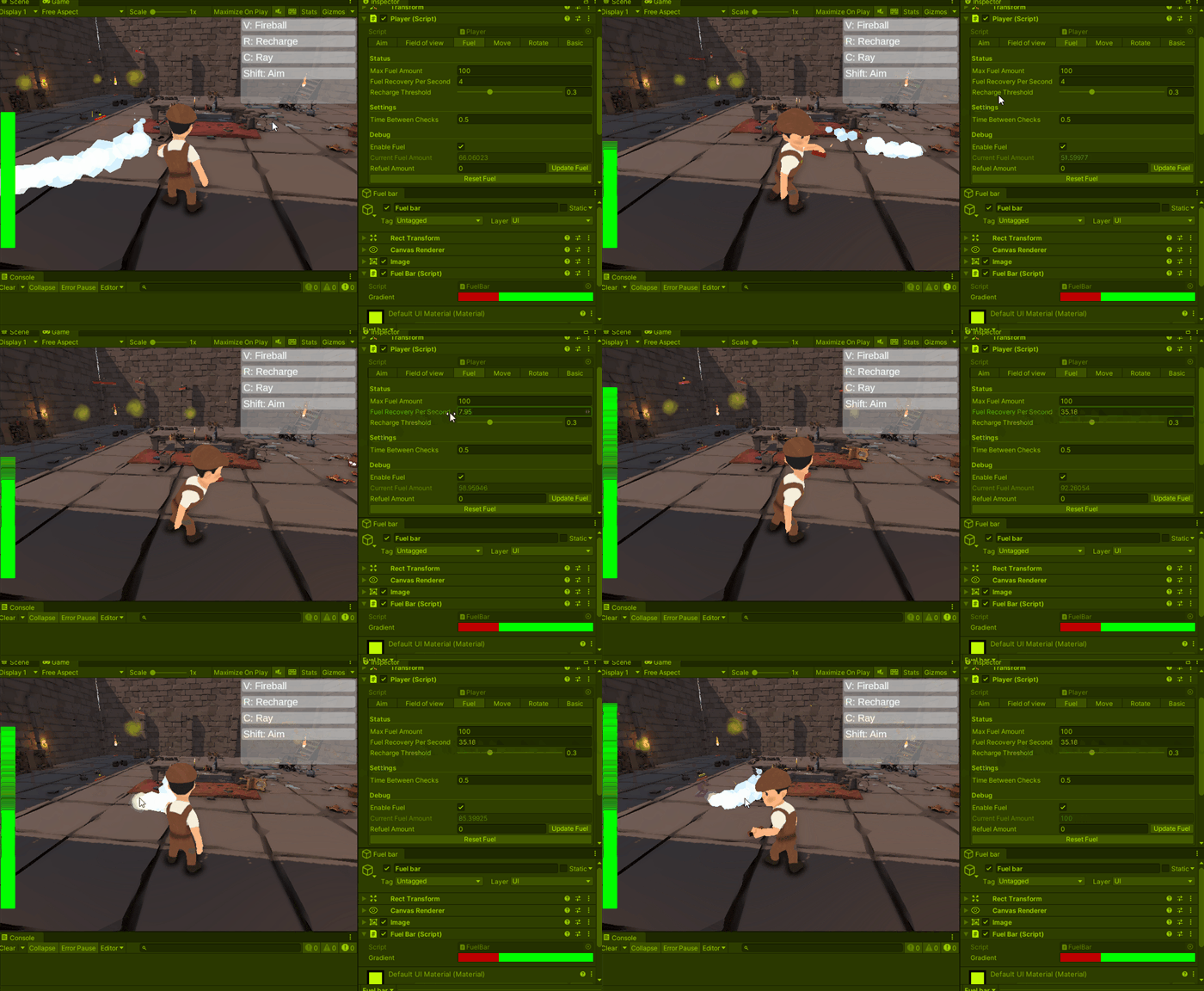
Fuel recovery speed (sorry for GIF visual glitch)
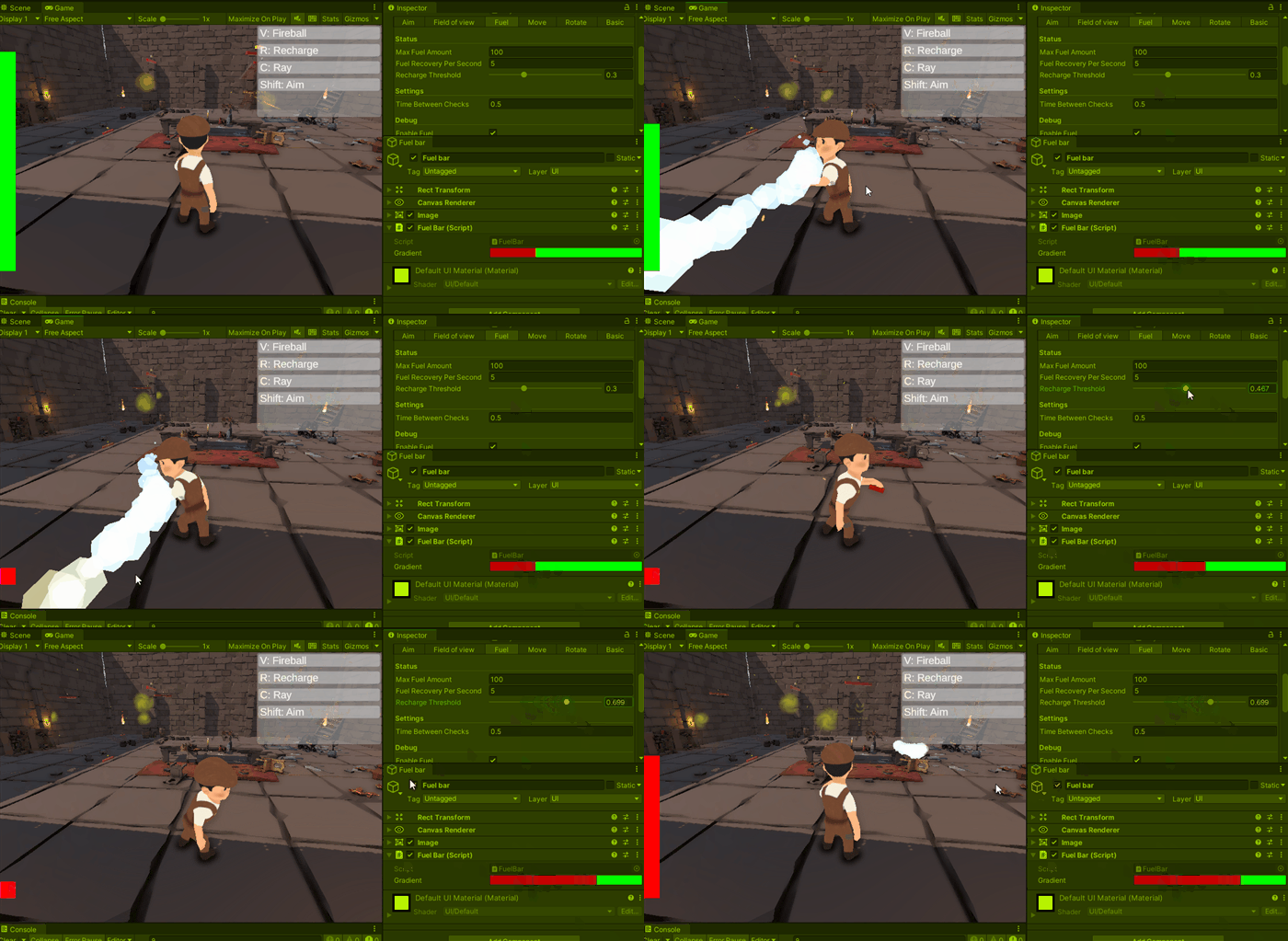
Updating recharge thresshold
I’ve used a gradient field to update the hud color and linked it to recharge threshold properties through events
Field of view
Requisites:
- The direction is based on character animation (player holds a lantern and field of view should follow its forward)
- The field of view must be angled and this angle should be based on the fuel current amount at runtime (White circle)
- We must the able to increase/decrease the radius of the field of view
- The field of view must be obstructed by some objects, we must be able to control which of those objects will cause it
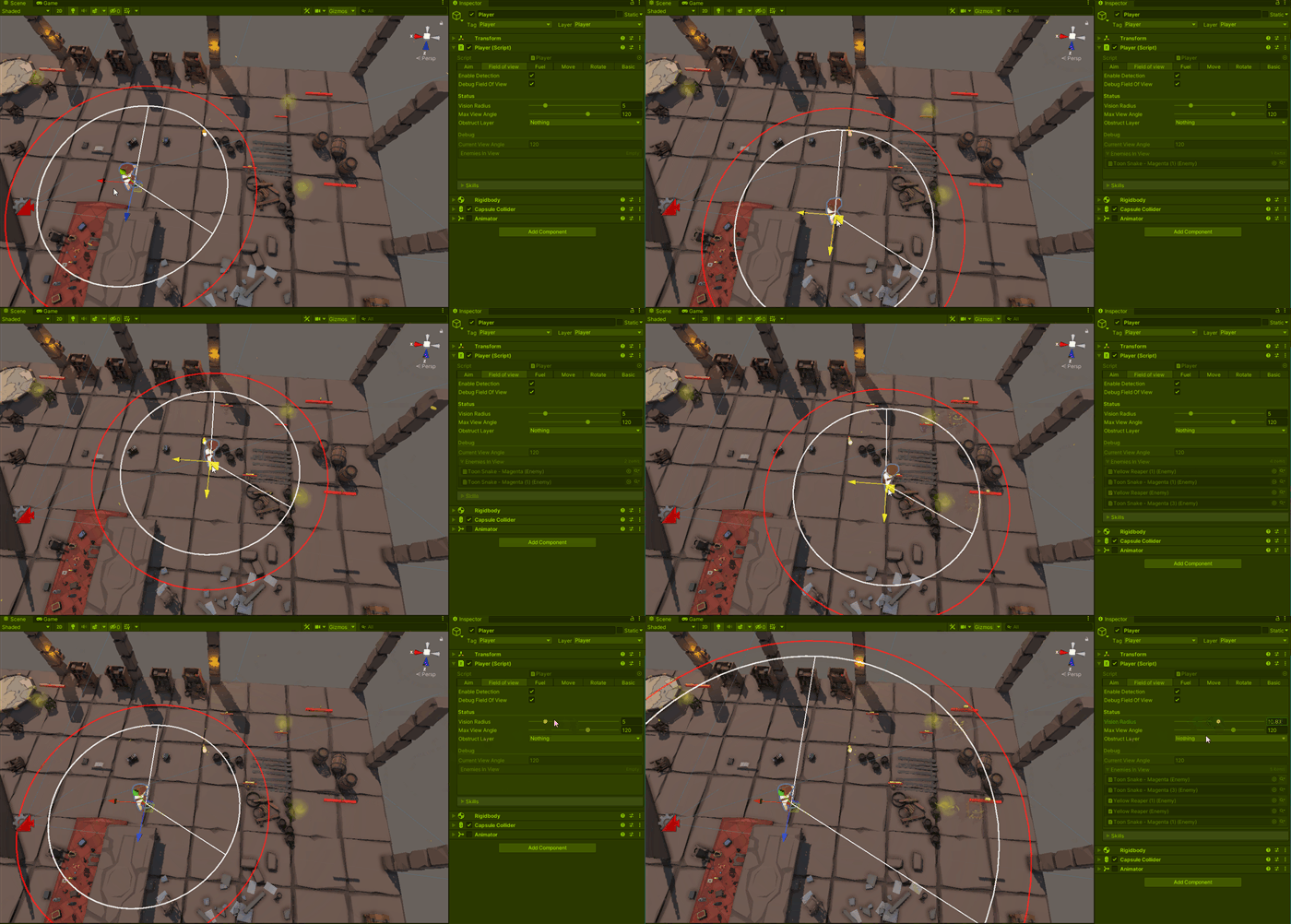
Inserting/removing enemies from field of view
Unity does not have a cone shape detection, so we manually detect objects inside the circle and remove the ones that aren’t inside the cone, we can check/debug current enemies looking at enemies in view in debug section (this will be used to skills to select a target, see skills section)
I’ve exposed some sliders and Gizmos to simplify the test/edit and debug of the features
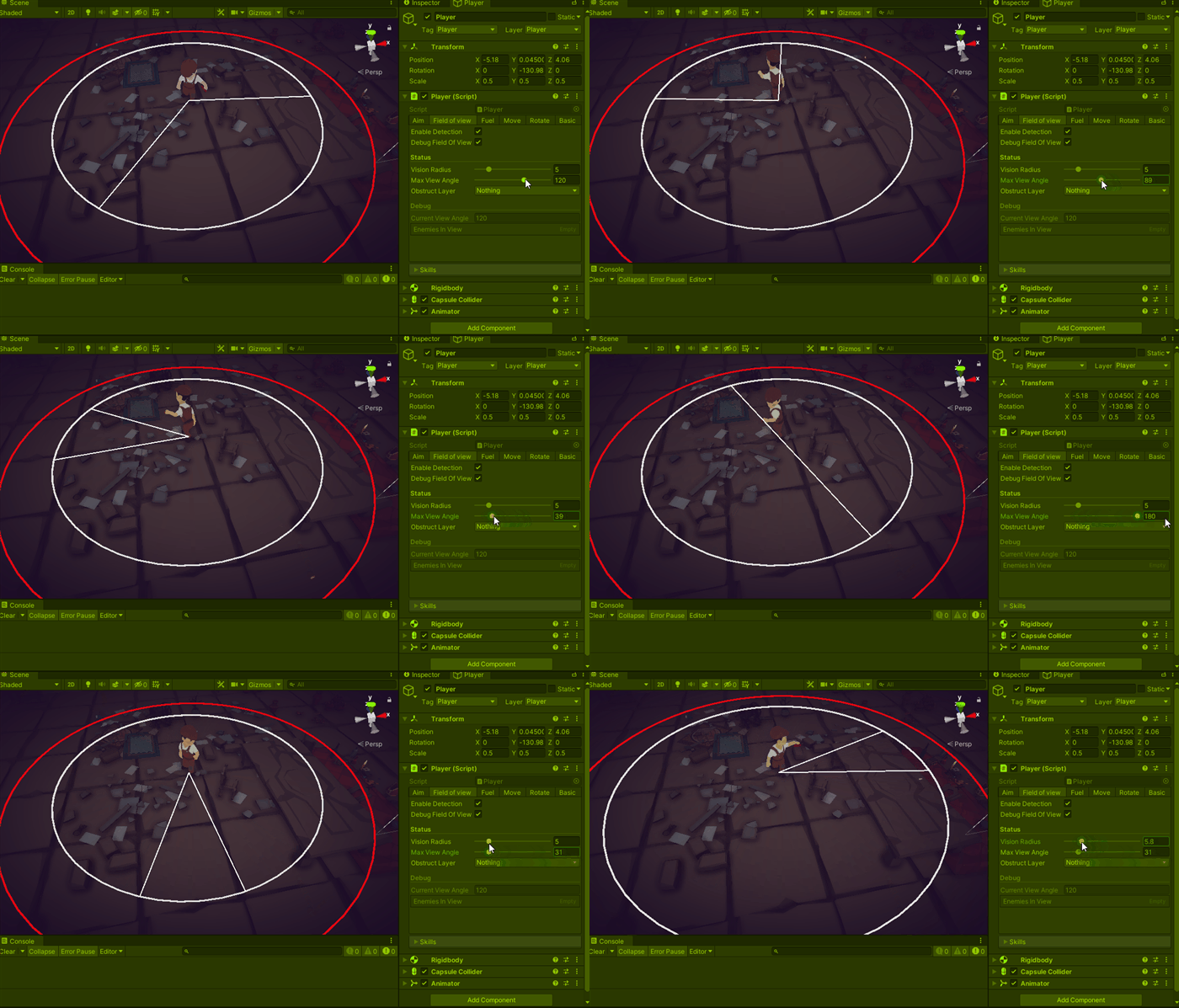
Following animation, angle and radius
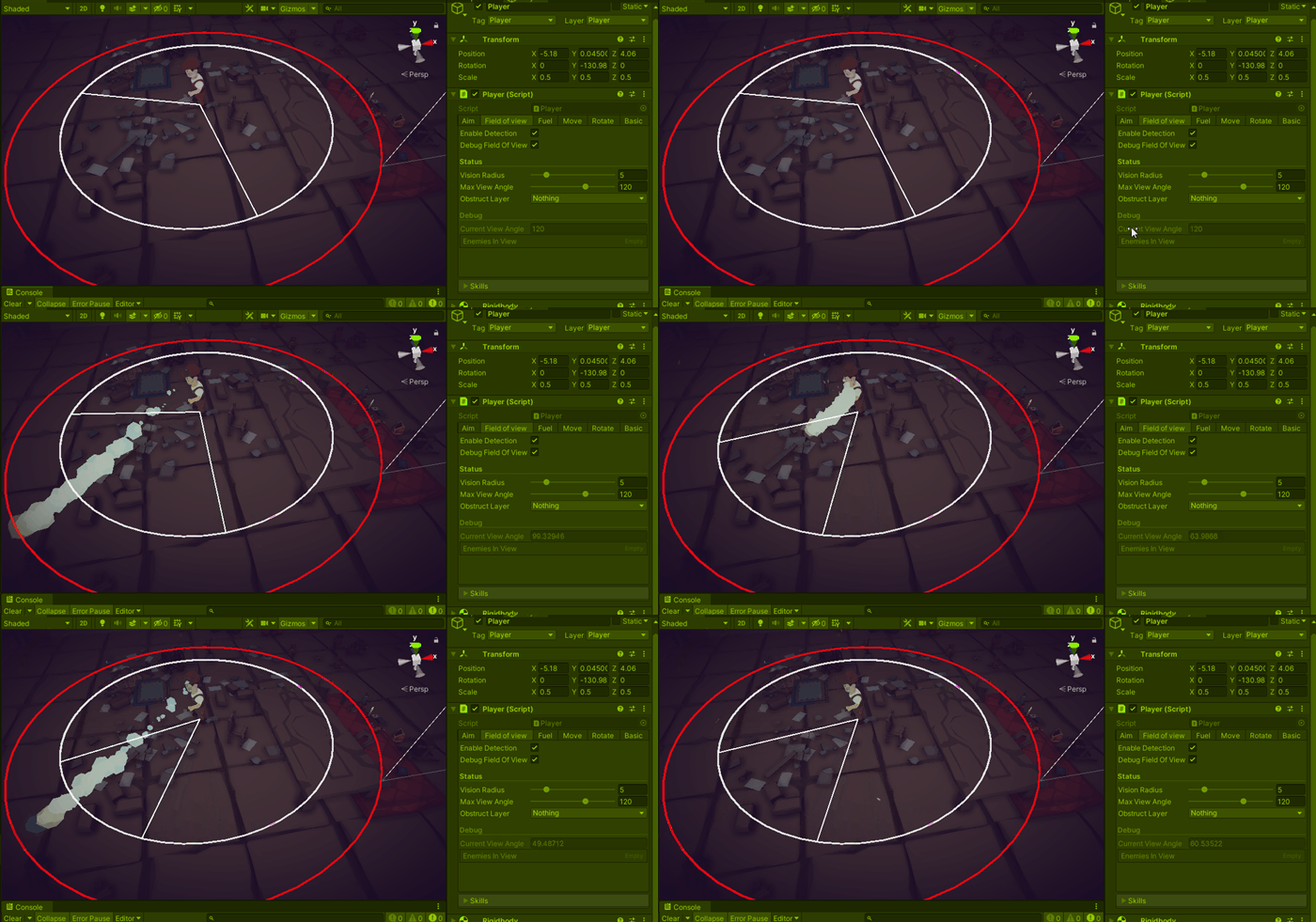
Current angle based current fuel percentage
Some of them are read only properities as it is being exposed for debug reasons only and it value is being controlled by some script
For this project, the enemy have a detection property (the yellow bar on top of the enemy) and this will be filled up by aiming the lantern to then OR by hitting then wil some of our skills, so as you can see the furniture is blocking our vision to the snake
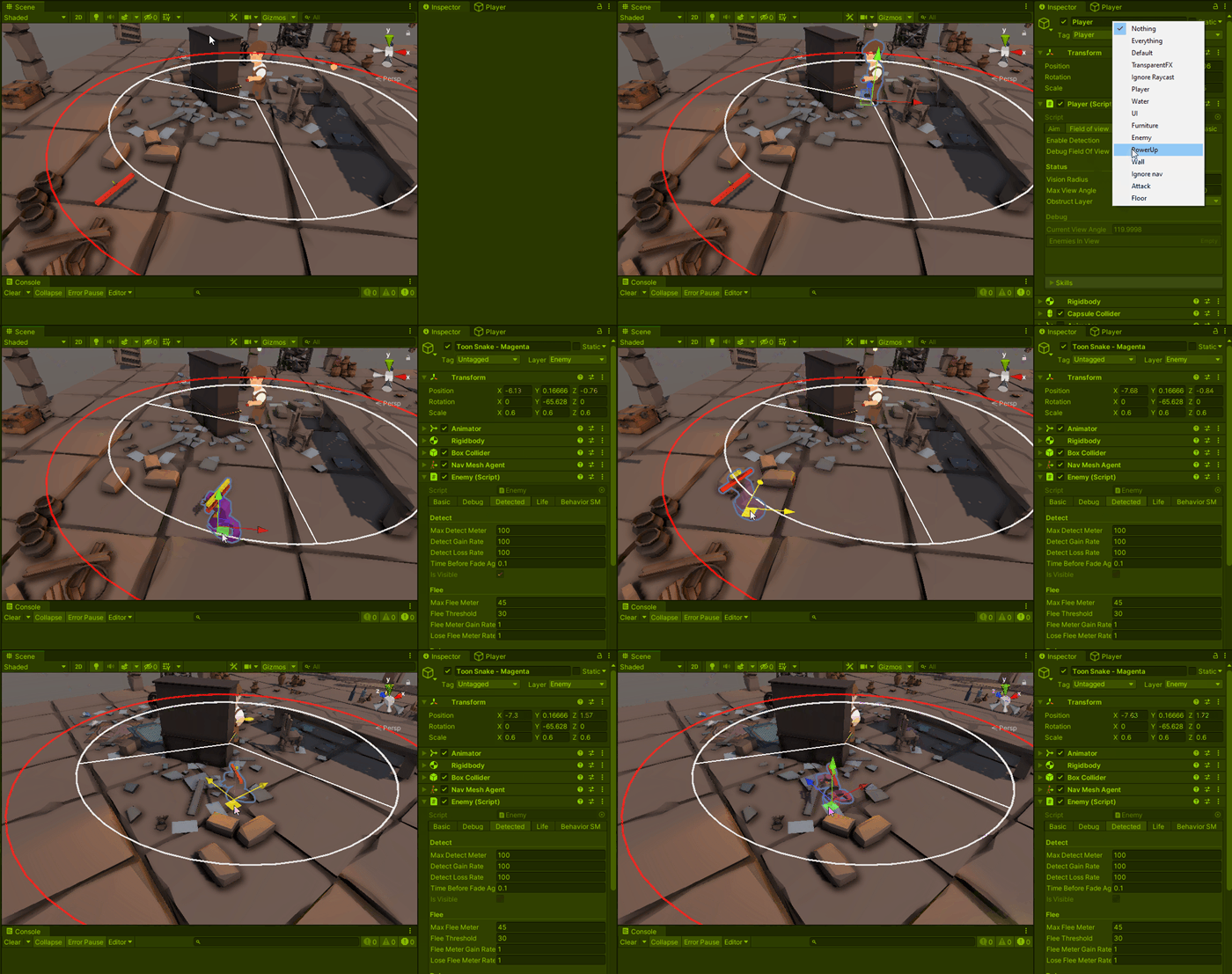
Furniture obstructing vision
Player state machine
It’s almost a good idea to create a state machine for a character when the project owner does not have boundaries for the amount of things that the character would do, to be honest, it’s a good idea in any way, the implementation cost in time can in easily be paid off if the character starts to gain new actions the should allow just a small combination of other action (when crouching can’t jump, after a double jump we can smash down).
For this specific case, the project ended before we go so far, so we ended with two states, basic and aiming, when we press shift we change to aiming and the behavior of some skills change (take a look at skills section)
Camera change (done with cinemachine) and we start to interact with the mouse through an aim icon

From basic to aiming state
Skills
Requisites:
- We will start with a fireball and a ray
- Each skill will have different behavior depending on player’s state
When casting a fireball on basic state, it will target the near enemy in our field of view or cast it in front otherwise.
In the aiming state, it ignores the enemies in view and casts on the aiming direction.
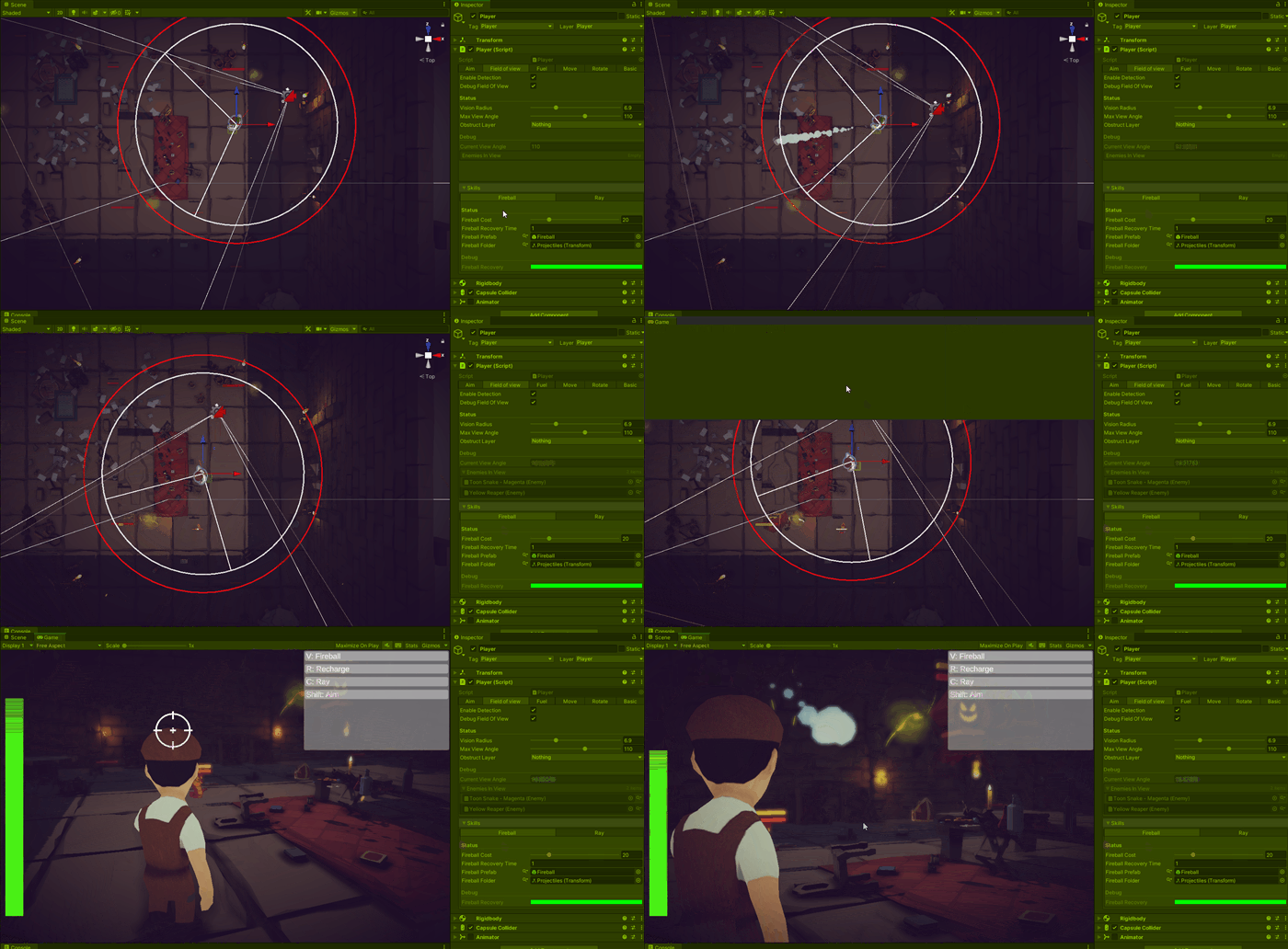
Fireball without target / with target / during aiming state
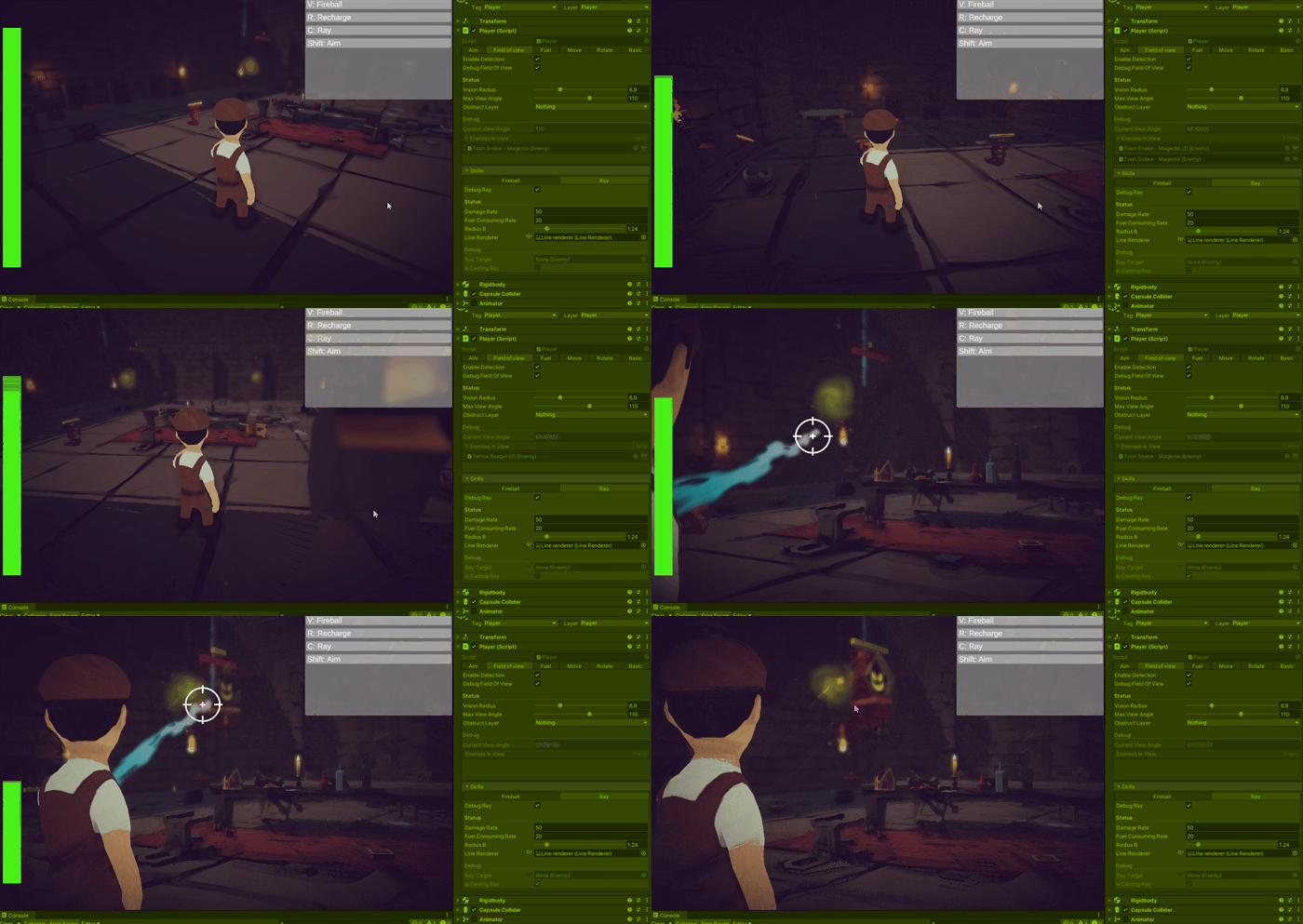
Using ray skill
It damages over time skill, in its basic state ray will lock into an enemy doing damage while this enemy is inside the range (defined by FoV), in the aiming state the range is increased and it will follow your mouse direction, consuming your fuel while active, in both cases, it will disable your movement while casting
Enemy state machine
Requisites:
- Wander state will make the enemy walk through the room
- Flee state will make it runs from the player for a while then after a small stop it will go back to wanderer
- Dye make it opaque and runs an animation, going back to a pool after it
Initially, the plans was to have multiples behaviors on each enemy, therefore I created a state machine to implement their behaviors, these states can be triggered through some buttons on the inspector, but we canceled the project before going further and Idle, Wander, Flee and Die
For wandering I have previously set a nav mesh for the room and a nav agent for the enemy. Then we feed a box collider that will be the place where the enemy can move, randomize a position inside this box and validate it in the nav agent.
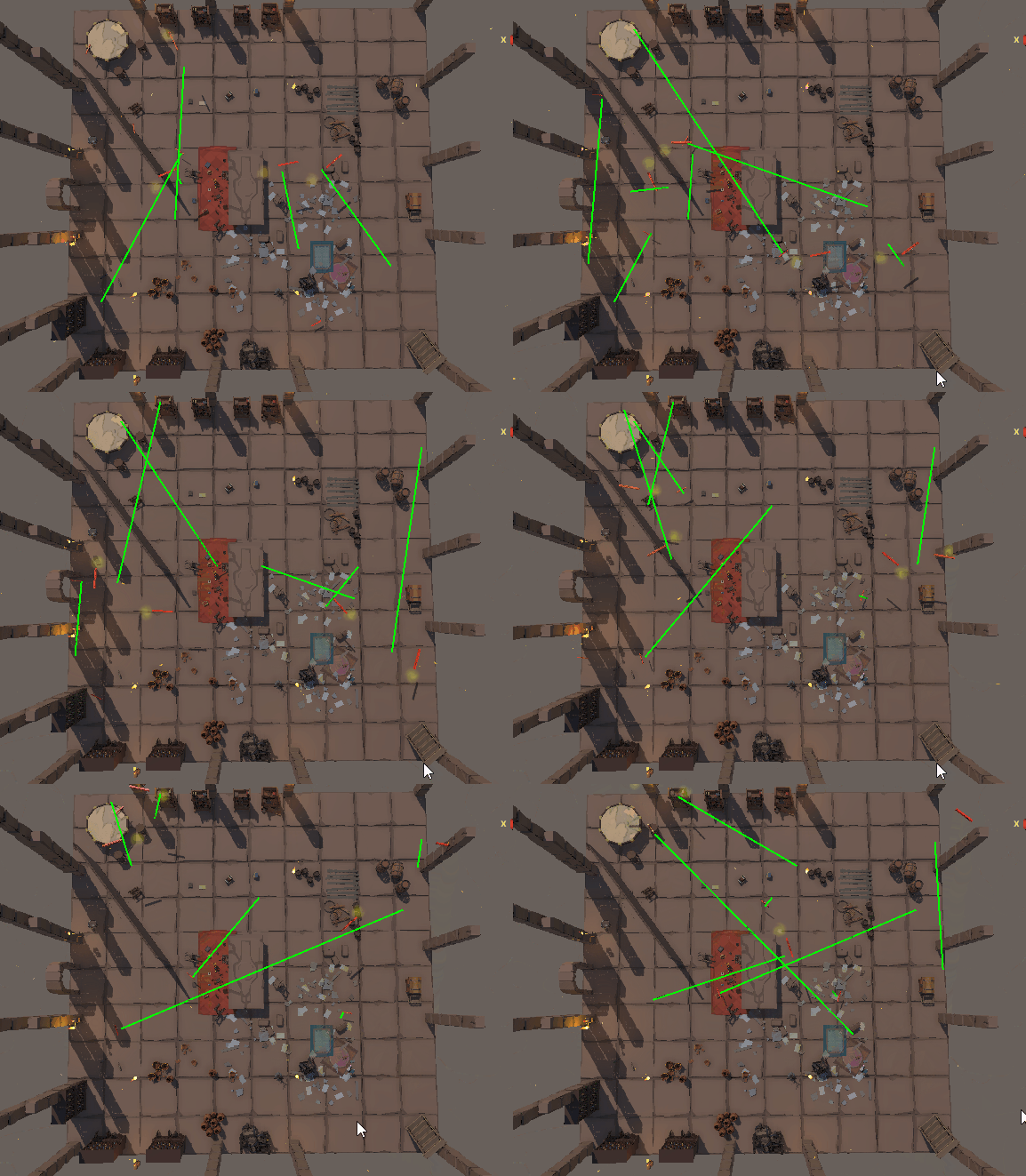
Enemy wandering
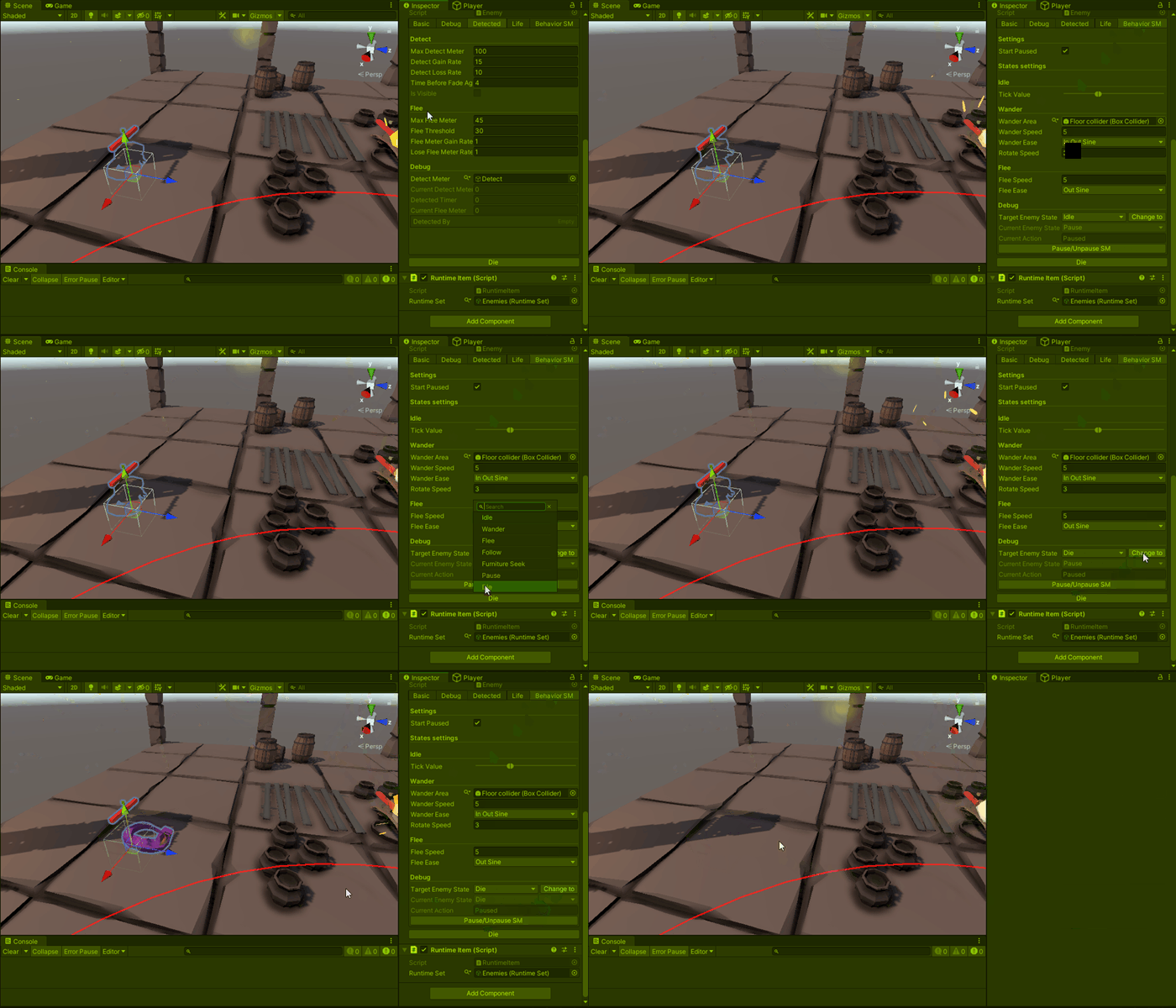
Changing state machine current state through inspector
We have implemented a flee and a die behavior.
 Nefisto